
Before you begin:
- Download the Myzone App to your phone and watch.
- Sync your watch: open the Myzone app on your phone. Go to 'Menu > Devices > Add new device'. Choose your smart watch. Follow the on-screen steps.
Start your workout:
- Open Myzone on your watch.
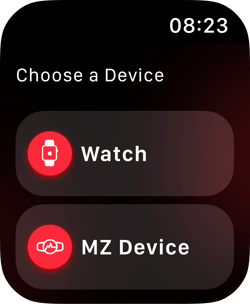
- When prompted choose to use your 'Watch' to read your heart rate, not your Myzone device.
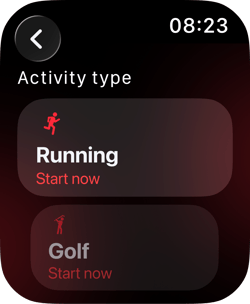
- Select your physical activity
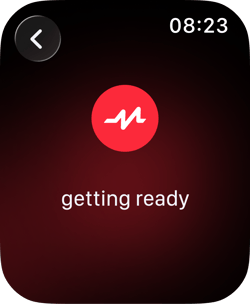
- The watch will countdown and then your live tile will display
Stop your Workout:
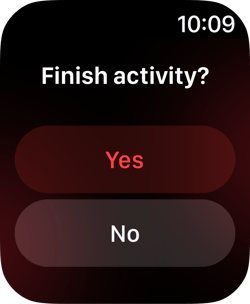
- Swipe left on your watch face to bring up the Finish workout screen.
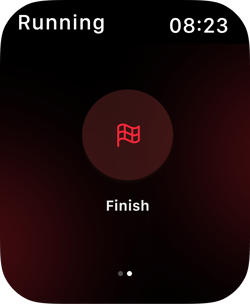
- Tap the watch face then select Yes to confirm the activity has finished.
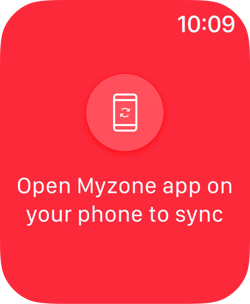
- Open the Myzone phone app to view your workout summary.
Don't forget to stop your workout! You will continue to record until you do, which will likely run down your battery with little MEP value.
At the gym:
If you would like to display on your gym's Myzone display, check out this article