
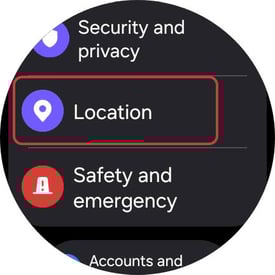
On your smartwatch, select Settings > Location.
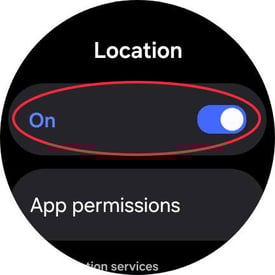
Ensure the Location toggle is set to ON.
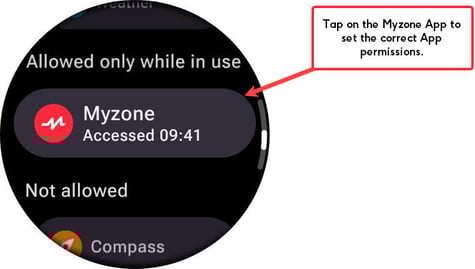
From the same Location screen, go to App permissions. Find Myzone from the list of Apps, and tap to select.
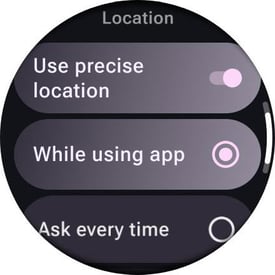
Ensure both Use precise location is toggled ON and While using the app is SELECTED.
We recommend that you now restart your watch - this will ensure that all running apps and background services have been closed and updated. On restarting, open the Myzone App > Start a workout and accept any additional permission prompts.