
1. To unblock a Myzone user, you must use the website version of your account. Log in at myzonemoves.com — this feature is not available on the Myzone mobile app.
2. Click the Connections icon in the navigation bar: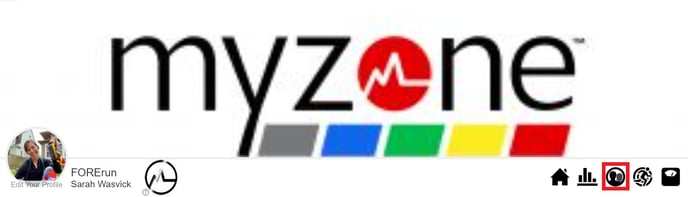
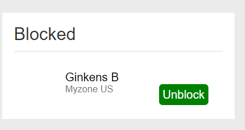
3. Scroll to the bottom of the Connections screen until you see the Blocked section. Click Unblock next to the user you want to unblock.
4. The user is now unblocked. You can send or receive a connection invitation from this Mover at any time.