
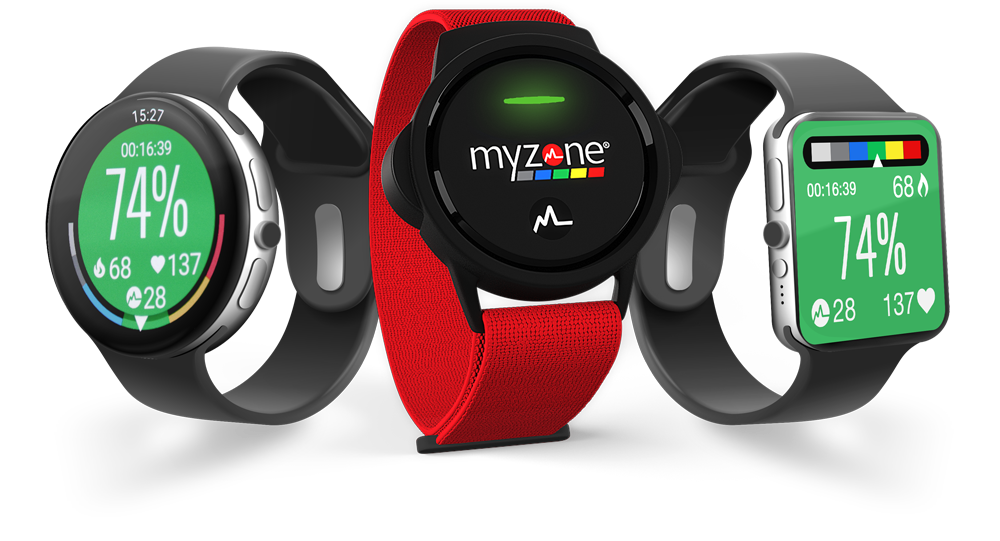
Access Myzone through your Apple or Android smartwatch.
Sync
- Open up your Myzone app
- Navigate to Devices in the menu bar
- Select Add new device
- Select the smartwatch option
- Open the Myzone app on your smartwatch (with the app open on your phone).
- Your watch and phone should automatically sync

Start a workout
- Open the Myzone app on your smartwatch
- Select Watch
- Select your chosen activity e.g. hiking
- You should now see a countdown of 3,2,1
Stop a workout
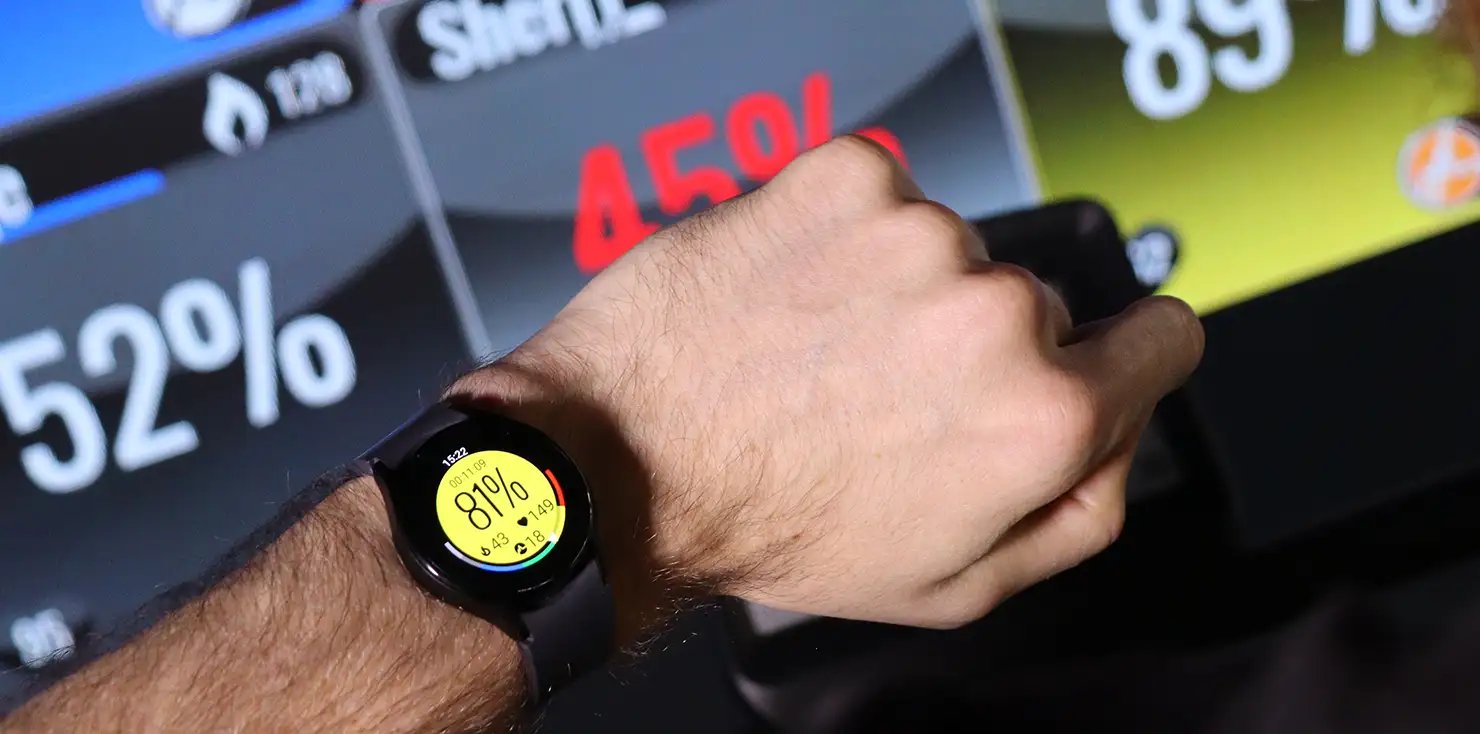
- On your watch face, swipe right for Apple or Swipe left for Android
- Confirm you would like to end your workout
- Open your Myzone app on your phone to view your workout data